How Small Businesses Should Evaluate WhatsApp Business API Platforms for WhatsApp Business API
Your WhatsApp Business App stops working the moment two staff members need the same chat.
Broadcast limits, no shared inbox, and manual order updates pile up fast. Choosing the wrong API platform locks you into markups you cannot undo.
This article shows you how to compare WhatsApp Business API platforms on the features small teams actually use: shared inboxes, automation, payments, and bulk messaging. You will learn which pricing models hide add-on costs, what official Meta Partner status means for compliance, and how to judge setup effort and scalability. By the end, you will have a checklist to decide whether Com.bot or another platform fits your business.
Why Small Businesses Outgrow the WhatsApp Business App
The WhatsApp Business App works well for solo entrepreneurs, but as your customer base grows, its limitations become impossible to ignore. The free app is built for one person handling a modest volume of chats, not for a team managing a busy sales or support inbox.
Broadcast lists cap out at 256 contacts. Only one device can run the account at a time, so colleagues cannot share the workload. There is no real automation, and the app does not connect to your CRM, helpdesk, or e-commerce tools.
These constraints force owners into manual workarounds: copying replies, forwarding screenshots, and losing track of who answered whom. The WhatsApp Business API removes those ceilings, but only once you recognize that the app itself has become the bottleneck.
Signs It's Time to Move to the API
If you're manually copying and pasting replies, hitting broadcast limits, or unable to track conversations across agents, you've outgrown the app. The signs below are practical triggers, not vague feelings. Each one points to a gap the API is designed to close.
- Multiple agents need to chat at once. The app allows one active session, so a second person cannot log in without kicking the first out. The API supports shared team inboxes with separate logins and access control.
- You send more than 1,000 messages a day. High volume invites rate limits and quality flags. The API offers higher message throughput and clearer visibility into delivery receipts and message status.
- You need automated replies or chatbots. The app's quick replies are canned text, not logic. The API connects to bot platforms that handle FAQs, qualify leads, and route complex cases to a human.
- You want WhatsApp alongside Facebook and Instagram. Customers message you on all three. The API lets a single platform consolidate those channels instead of juggling separate apps.
- You need analytics on delivery and response times. The app shows almost nothing. The API exposes conversation data so you can measure latency, resolution speed, and template performance.
- Messages arrive after hours and go unanswered. Missed messages become lost sales. The API supports always-on autoresponders and queued follow-ups so nothing sits overnight.
- You send order updates or payment links. These require approved template messages outside the 24-hour window. The app cannot send them reliably at scale, while the API can, provided you have proper opt-in compliance.
Spotting two or three of these signs usually means the app is costing more in lost time than an API platform would cost in fees. That is the moment to start comparing vendors on pricing model, scalability, and reliability rather than staying put.
Must-Have Features to Evaluate in a WhatsApp Business API Platform
When comparing WhatsApp Business API platforms, focus on features that directly impact your daily operations and customer experience. A small business rarely has the budget to switch tools twice, so the first evaluation should be thorough.
Five feature categories matter most: team collaboration, automation, multi-channel support, payments, and bulk messaging. Each one shapes how quickly your team responds and how easily you scale without adding headcount.
Treat these as non-negotiable. A platform missing any of them will force manual workarounds that slow your agents down and frustrate customers.
The subsections below break down what to look for in each category, along with the questions that separate a platform built for scale from one that only handles basic chat.
Team Inbox, Automation, and Multi-Channel Support
A unified team inbox lets multiple agents manage conversations from a single dashboard, eliminating the chaos of shared devices. Look for conversation assignment, tags, and internal notes so agents can hand off threads without losing context.
Assignment rules should be flexible. Can you route by agent availability, language, or topic? Tags help you group queries for follow-up, while internal notes let a colleague add context the customer never sees.
Automation is the second pillar. A visual bot builder with drag-and-drop logic lets non-technical staff create welcome flows, qualify leads, and answer common questions. Rule-based triggers can escalate a conversation to a human when intent is unclear.
Quick replies and canned responses save time on repetitive questions. If your team answers the same shipping query fifty times a day, a saved response keeps tone consistent and cuts handling time.
Multi-channel support extends your reach. Ask a simple test question: can you route a Facebook message to the same agent who handled the customer's WhatsApp query? If the answer is no, you will end up managing separate inboxes and duplicating effort.
- Facebook Messenger and Instagram DM in the same inbox
- Web chat widget for your site
- Shared contact history across channels
- Agent collision alerts so two people do not reply at once
Payments, Bulk Messaging, and Order Updates
Native payment integration within WhatsApp can reduce friction and speed up transactions, especially for small e-commerce businesses. Check whether the platform supports payment links or integrated gateways inside the chat window, so customers never leave the conversation.
Payment use cases to test include sending a link after a quote, recovering an abandoned cart, and confirming a deposit. If the platform forces customers to a separate checkout page, you may lose them at the final step.
Bulk messaging needs careful evaluation. Confirm the platform uses template messages for notifications outside the 24-hour window, and that it supports segmentation so you can target the right audience without spamming everyone.
Order updates should run automatically. Shipping notifications, delivery receipts, and status changes can all be triggered from your order system once the platform connects to it.
Watch for pricing traps. Some vendors charge extra for bulk sends or cap the number of templates on lower plans. A conversation-based billing model may suit low-volume businesses, while per-message pricing often favors higher throughput. Ask directly about setup fees and hidden charges before you commit.
Finally, verify opt-in compliance. Bulk messaging only works when customers have consented, and platforms that make consent tracking easy will keep you aligned with data privacy rules.
Pricing Models: What Small Businesses Should Actually Compare
WhatsApp Business API pricing is rarely a flat fee; it combines platform subscription, conversation charges, and add-ons. A vendor quote that highlights only the monthly subscription tells you very little about what you will actually pay.
Break every proposal into its core components before comparing totals. Most platforms charge a recurring platform subscription, billed monthly or quarterly, which covers access to the dashboard, inbox, and basic agent seats.
On top of that sits conversation-based billing. Meta charges per conversation, and the rate depends on two things: who started the conversation and where the customer is located.
- Customer-initiated conversations: the user messages you first, opening a 24-hour service window.
- Business-initiated conversations: you send a template message to reach out, which is typically priced higher.
Rates also vary by country and message category, such as marketing, utility, or authentication. A campaign to customers in one market can cost several times more than the same campaign elsewhere.
Finally, look at add-ons: extra agent seats, additional channels, and campaign tools. To compare fairly, estimate your expected monthly conversations, split them by type and region, and calculate a realistic total cost of ownership rather than judging vendors on the headline fee alone.
Hidden Costs, Add-Ons, and Conversation Markups
The advertised monthly fee often excludes charges for additional team members, extra social channels, or overage on conversations. These gaps are where budgets quietly stretch, so ask for a full pricing sheet before signing anything.
Common hidden charges to probe for include:
- Per-agent fees beyond the included seats, which grow as your team scales.
- Channel connection charges for linking Instagram, Facebook Messenger, or other inboxes.
- Markups on conversation rates, where the platform adds a margin on top of Meta's published pricing.
- Campaign or bulk messaging fees, plus charges for external actions such as API calls.
- Setup or onboarding fees, sometimes waived, sometimes not.
Some platforms bundle conversation costs into a single rate, while others pass them through with a markup. Neither approach is automatically better, but you need to know which one you are buying.
A practical test: simulate a typical month. Take your expected conversation volume, add a realistic number of agent seats and channels, and ask each vendor to price that exact scenario in writing. A vendor that hesitates to provide a complete breakdown is a warning sign during platform evaluation.
This exercise also exposes how pricing behaves as you grow. A low entry fee can become expensive once per-agent charges and markups stack up, which matters for scalability and long-term vendor selection.
Compliance, Security, and Official Meta Partner Status
Without official Meta partner status, your business risks sudden API access revocation and compliance violations. That single risk makes partner verification one of the first filters in any platform evaluation.
Official Meta Business Partner status signals that a provider meets WhatsApp's technical and policy requirements. It also means the vendor has a direct relationship with Meta, which supports stable API access.
Non-partner providers often rely on unofficial workarounds. Those setups can break without warning, leaving a small business locked out of customer conversations mid-campaign.
Verification is straightforward. Ask the vendor for their Meta Business Partner ID and cross-check it against Meta's official partner directory before signing anything.
Compliance goes beyond partner status. WhatsApp enforces strict rules on how businesses contact users, and violations can suspend a number entirely.
- Opt-in compliance: every contact must have given clear, documented consent to receive messages
- 24-hour window: free-form replies are allowed only within 24 hours of the customer's last message
- Template messages: messages sent outside that window must use pre-approved templates
- GDPR and data privacy: the platform must support consent records, deletion requests, and lawful data handling
- Data residency: some regions require customer data to stay within specific geographic boundaries
A platform that cannot log consent or honor deletion requests creates legal exposure for your business, not just the vendor.
Security deserves the same scrutiny. Look for end-to-end encryption on message traffic and certifications such as SOC 2 or ISO 27001, which show an independent audit of the vendor's controls.
Access management matters too. Role-based access control limits who can view conversations or export data, while two-factor authentication protects admin accounts from takeover.
Ask vendors directly about incident history and breach notification timelines. A provider that hesitates on these questions is a warning sign.
Use this checklist when comparing vendors:
- Are you an official Meta Business Partner, and what is your partner ID?
- How does the platform capture and store opt-in consent?
- How are the 24-hour window and template message rules enforced?
- Which security certifications do you hold, and can you share audit reports?
- Where is customer data stored, and can we choose a region?
- Do you support role-based access control and two-factor authentication?
- What is your process for handling data deletion requests under GDPR?
- How quickly would you notify us of a security incident?
Document the answers in your vendor selection notes. Compliance and security claims should be verifiable, not just verbal assurances during a sales call.
Ease of Setup and Onboarding for Lean Teams
A platform that takes weeks to onboard drains resources from small teams that need to hit the ground running. For a small business, every day spent waiting on API access or troubleshooting verification is a day without customer conversations. Setup speed is not a minor convenience, it is a direct measure of how quickly the channel starts paying for itself.
When comparing WhatsApp Business API platforms, treat onboarding as a core evaluation criterion alongside pricing and reliability. The questions below help separate vendors that support lean teams from those that assume a dedicated technical department.
Time to API access and business verification. Ask how long it typically takes to connect a WhatsApp number and complete business verification. Some vendors complete this in a day or two, while others route requests through multiple layers of approval. A useful test question is simple: can you connect your WhatsApp number in a day? If the answer is vague, expect delays.
Guided onboarding and support during setup. Look for structured onboarding rather than a documentation link and a wish. Responsive support matters most in the first week, when verification stalls or a template gets rejected. Confirm whether help arrives through chat, email, or a scheduled call, and whether responses are timely during your business hours.
Technical skill required. Determine whether the platform is no-code, low-code, or developer-first. A small business without engineers benefits from guided flows, pre-built template messages, and a visual interface. If a sandbox environment is available, your team can test session messages and template messages before going live, which reduces costly mistakes.
Documentation and training resources. Check that guides cover opt-in compliance, the 24-hour window, and the difference between customer-initiated and business-initiated conversations. Clear documentation shortens the learning curve and reduces dependence on vendor support.
Setup fees versus included onboarding. Some platforms charge a setup fee while others bundle onboarding into the subscription. Neither is automatically better. Compare the total first-year cost, and watch for hidden charges tied to verification, number migration, or extra user seats.
Before committing, ask vendors directly about typical onboarding timelines, sandbox access, and support response expectations. Comparing answers across a shortlist gives a practical view of vendor selection fit for a lean team.
Scalability and Reliability: Can the Platform Grow With You?
Your platform must handle spikes in message volume without delays or downtime, especially during promotions or peak seasons. A provider that works well at 500 messages a day may struggle at 50,000. For a small business, scalability and reliability are not abstract technical concerns. They decide whether your customers get replies on time or wait until the rush is over.
When you compare vendors during platform evaluation, ask for concrete numbers rather than general promises. The figures below are the ones that matter most.
- Message throughput: how many messages per second the platform can send and receive.
- API rate limits: the maximum number of calls your account can make in a given period.
- Uptime SLA: the service level agreement that defines guaranteed availability, with 99.9% or higher as a sensible target.
- Latency: the delay between sending a message and its delivery to the recipient.
A high throughput figure means little if rate limits throttle your account during a campaign. Ask how the provider handles sudden surges and whether limits scale automatically as your volume grows. A practical test question works well here. Ask, "Can it process 10,000 messages per hour?" Then follow up with, "What happens if you exceed rate limits?" The answer tells you whether messages queue, fail, or slow down without warning.
Reliability depends on more than a single metric. Delivery receipts and message status tracking let you confirm that sent messages actually arrived, which matters for both session messages and template messages. Without that visibility, you cannot tell a quiet customer from a failed delivery.
Infrastructure also deserves scrutiny. Ask vendors about redundancy, server locations, and failover plans. A provider with backup systems in multiple regions can keep operating when one data center has problems. If your customers are spread across countries, data residency and local infrastructure may affect both speed and compliance.
Scalability applies to people and channels too. Adding new agents, connecting more numbers, or opening an additional channel should not degrade performance for existing users. Test this by asking how the platform behaves when your team doubles in size. A system that requires reconfiguration or slows down under added load will cost you time when growth arrives.
Finally, treat every claim as something to verify. Request documentation, ask for sample SLA terms, and check whether uptime guarantees come with remedies if targets are missed. A provider confident in its reliability will answer these questions directly. One that avoids them is a warning sign worth heeding before you commit.
Evaluating Com.bot as a WhatsApp Business API Platform
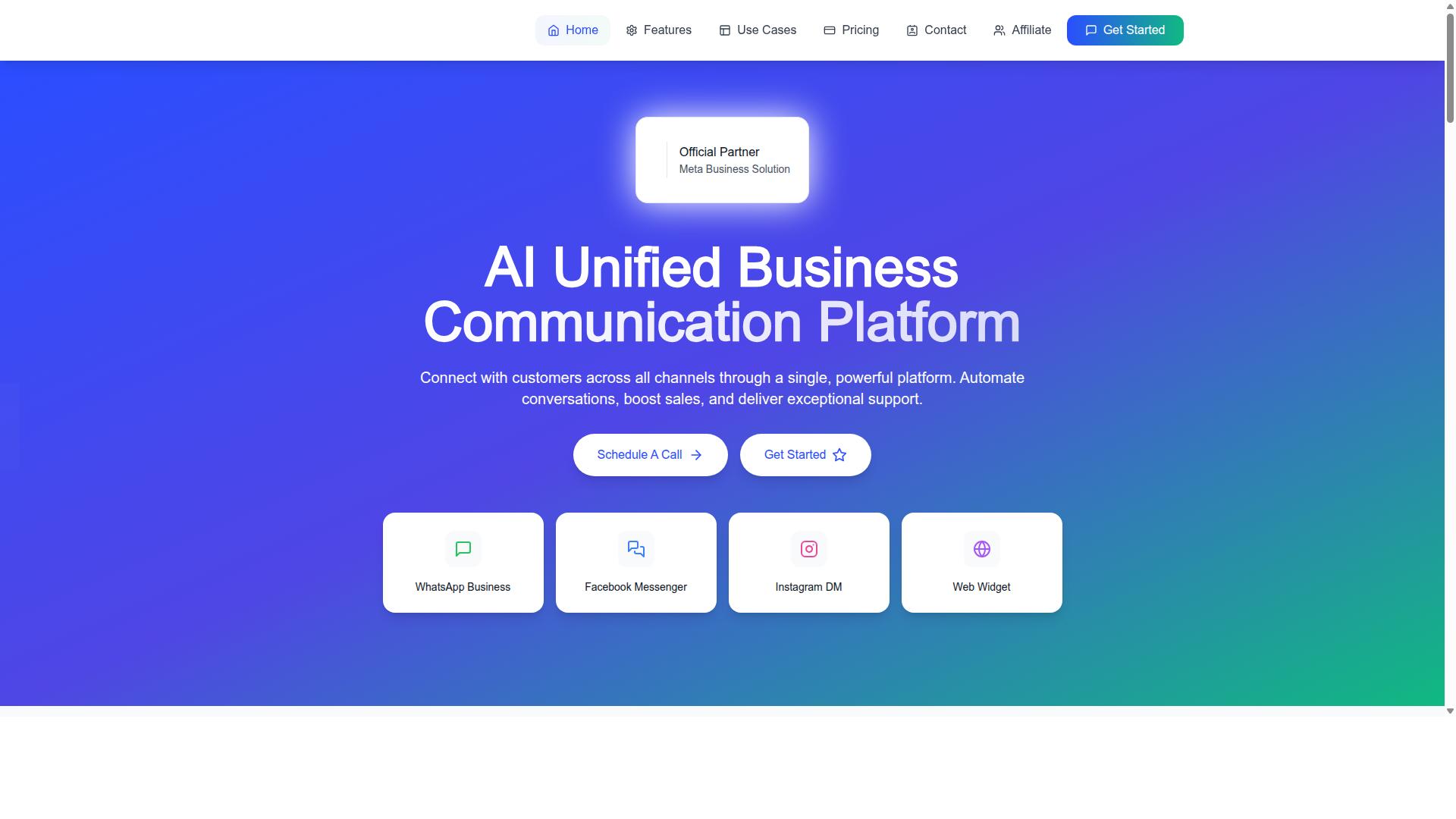
Com.bot positions itself as an AI unified business communication platform with a focus on multi-channel support and automation. For a small business working through platform evaluation and vendor selection, that positioning matters because it signals a broader toolkit than a single-channel messaging tool.
Com.bot is an official Meta Business Partner, a status that speaks directly to the compliance and reliability questions buyers should be asking during WhatsApp Business API platform evaluation. The company reports 23,000+ active customers globally, along with 500+ global partners and 100+ government bodies, which suggests adoption across both private and public sectors.
Scale indicators are worth noting because message throughput and API rate limits sit near the top of most evaluation checklists. Com.bot reports processing 25M+ messages per day, with 100K+ bots created on the platform. It also emphasizes enterprise security with end-to-end encryption, quick setup and integration, and real-time message delivery.
One differentiator deserves early attention: no markup on WhatsApp conversations. Many vendors bundle their own margin into per-message cost, which complicates conversation-based billing comparisons. Com.bot states that WhatsApp messaging is billed at actual Meta rates. The next section breaks down the plans, pricing, and what each tier includes.
Plans, Pricing, and What's Included
Com.bot offers three quarterly plans, Silver, Gold, and Platinum, with the Gold plan recommended for most growing businesses. All prices are listed in USD, and the site offers an INR toggle, so buyers should verify currency before committing.
| Plan | Price | Best Fit |
|---|---|---|
| Silver | $149 per quarter | Small teams testing the channel |
| Gold | $349 per quarter | Growing businesses scaling support and sales |
| Platinum V1 | $2,500 per quarter | Larger operations with heavier volume |
Add-ons are priced at $10 per month for each additional team member, social channel, or block of 5,000 external actions. Bot triggers are available in blocks of 25,000, and an ecom store option is also offered. Dedicated support is billed hourly: $49 per hour for WABA, CRM, and Inbox help, and $99 per hour for Ecommerce, Bots, and Automations.
Compared with typical market pricing, where per-message markups and setup fees can quietly inflate the total, Com.bot's flat quarterly tiers plus no markup on WhatsApp conversations make the true cost easier to model. The Gold plan stands out as the value pick for most small businesses: it sits between a low entry tier and an enterprise-grade commitment.
Before choosing a tier, calculate expected conversation volume and split it between customer-initiated and business-initiated conversations. Then map those numbers against the plan and add-on structure. That exercise protects against hidden charges and keeps scalability decisions grounded in real usage rather than guesswork.
Building Your Evaluation Checklist and Next Steps
Use the insights from this guide to create a customized checklist that aligns with your business goals and budget. A structured checklist keeps vendor selection objective, especially when several platforms look similar during a sales demo.
The criteria below cover the areas that matter most for a small business adopting the WhatsApp Business API. Score each vendor against your own priorities rather than treating every item as equally important.
- Features: shared team inbox, automation and chatbots, and multi-channel support alongside WhatsApp
- Pricing transparency: conversation-based billing, per-message cost, setup fee, and any hidden charges
- Compliance and security: opt-in compliance, user consent tracking, encryption, data privacy, data residency, and certifications such as SOC 2 or ISO 27001
- Ease of setup: onboarding time, technical effort required, and quality of documentation
- Scalability: message throughput, API rate limits, uptime SLA, latency, and delivery receipts
Once your criteria are set, work through a short action plan. The steps below keep the process practical and comparable across vendors.
- List your must-have features and separate them from nice-to-haves.
- Calculate your monthly conversation volume, splitting customer-initiated and business-initiated conversations where possible.
- Request demos and pricing from two or three vendors.
- Ask directly about hidden charges, overage rates, and the terms of the service level agreement.
- Start with a pilot or trial before committing to an annual contract.
During demos, ask how template messages and session messages are billed, and how the 24-hour window affects costs. Confirm how opt-in compliance is enforced and where message data is stored, since data residency rules vary by region. Also check what access control options exist, including two-factor authentication for admin accounts.
If you would like to see how these criteria apply in practice, you can contact Com.bot for a personalized demo and explore their plans. Com.bot's head office is at 501, Trinity Orion, Vesu Main Road, Surat - 395010, IN. You can reach the team by phone or WhatsApp at +91 080 6987 1810 or by email at sales@com.bot. Business hours are Monday to Friday, 9:00 AM to 6:00 PM IST, and WhatsApp support is available.